
You have tried SunoPaisa, heard a compatible payment notification at your shop, and now want unlimited voice alerts. The next question is practical: “SunoPaisa Business Mode kaise milega?”
Quick answer: SunoPaisa offers Business Mode for shops that want unlimited supported spoken payment alerts and extra tools. Inside the Android app, eligible purchases use Google Play Billing. Customers who independently visit the official website can read the published plans and, through the existing website enquiry process, contact the team for the currently available order instructions.
First, make sure the free plan works at your counter
Every month the free tier includes 50 voice alerts. Try the Android app with the payment accounts your shop actually uses. This confirms whether your phone receives supported wallet or bank notifications and whether an audible alert helps your daily work.
Business Mode does not connect a bank directly or guarantee a notification where no compatible message arrives. If the free voice test is not working, see our troubleshooting guide before paying.
What changes when you upgrade?
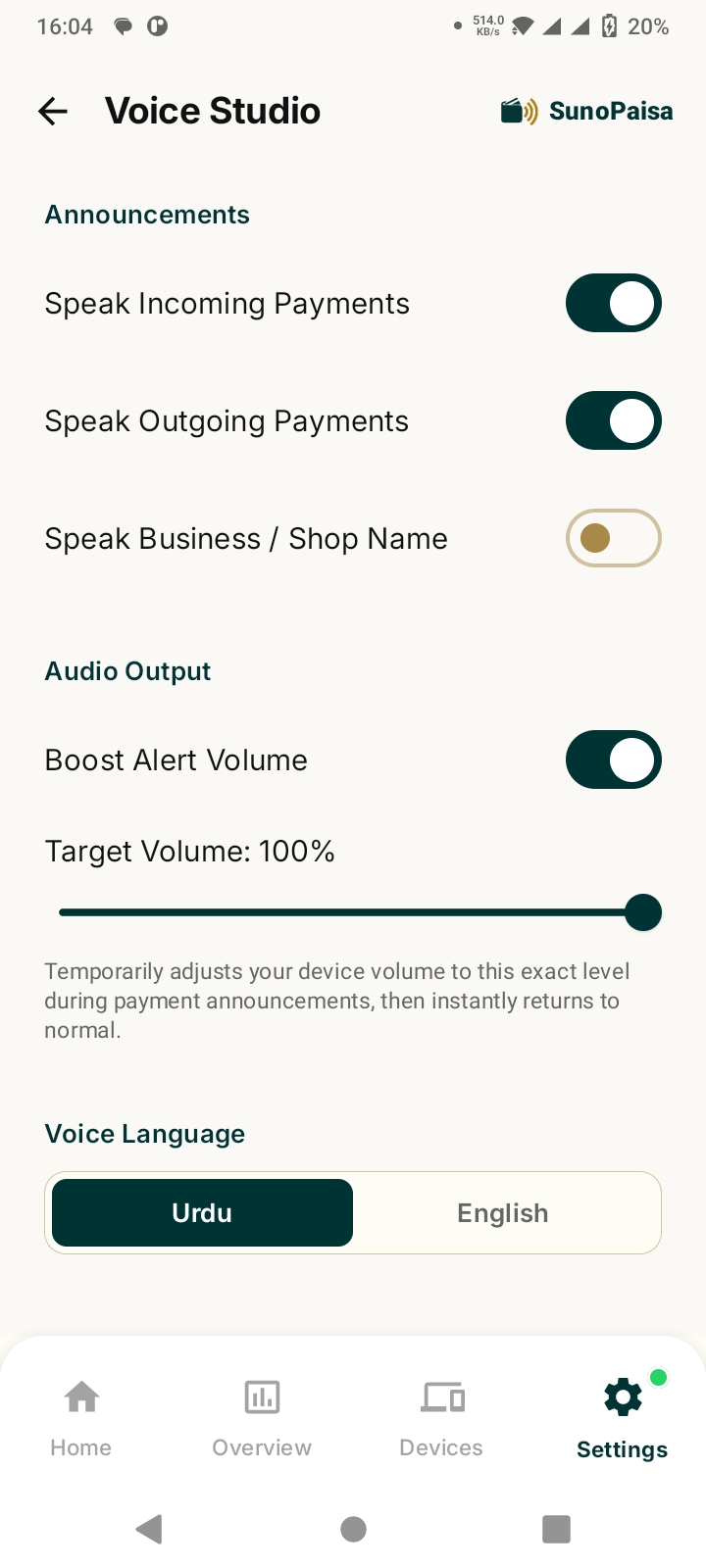
Business Mode includes unlimited voice alerts for compatible notifications, customizable shop-name voice options, QR-linked counter devices, PDF exports and priority WhatsApp assistance. These are product features for merchants who receive many digital payments, not a new way of receiving or settling money.
Daily Hisaab makes it easier to review recognized activity, while the voice feature makes incoming notifications noticeable during a busy shift.
What are the current Business Mode prices?
- Monthly: Rs. 300 — Trying unlimited announcements with a short commitment
- Six months: Rs. 1,500 — Shops planning for several months of paid use
- Yearly: Rs. 3,000 — A longer period at an equivalent Rs. 250 per month
- Lifetime: Rs. 10,000 — One-time option under the published lifetime plan terms
The live prices and available payment methods can change. Always read the official Business Mode page before placing an order.
Where should I start a purchase?
Option A: Buy inside the Android app
Open the legitimate SunoPaisa Android app and review the Business Mode options offered there. Purchases initiated inside the Google Play-distributed app are handled through Google Play Billing where eligible. Follow the checkout instructions displayed by Google and review the subscription terms and renewal details.
Do not send money to someone who claims they can bypass Google Play activation from an unsolicited message.
Option B: Independent visit to SunoPaisa.com
If you independently visit the official Business Mode website page, the current website process lets you choose a plan, identify the SunoPaisa account email, and make a WhatsApp order enquiry. It is an enquiry process, not a completed automatic checkout.
Before making a payment based on instructions received through an official conversation, confirm the plan name, price, company or authorized recipient, and account identity. After payment verification, the team can activate the appropriate entitlement in the account. Ask support to confirm the expected activation and expiry details.
Why is the SunoPaisa account email important?
Your shop may use a Google account on a shared counter phone. The Business Mode entitlement needs to be assigned to the same legitimate SunoPaisa account that staff use. An incorrect or misspelled email can delay order verification.
It is safe to share the account email through the official order process, but you should never disclose the Google password, payment wallet PIN or OTP.
What should you see after activation?
Open SunoPaisa in the relevant account and check the subscription or Business Mode status. Confirm the expected features and plan period. If the status does not match the verified purchase, contact official support with the order reference, not sensitive banking credentials.
Some changes may require the app to sync while it has network access. Avoid repeatedly paying because a status screen has not refreshed yet.
What if I only need a few payment announcements?
Stay on the free plan. An honest purchase decision starts with shop volume: How many compatible incoming-payment notifications do you receive? Is the owner present to hear them? Does the voice feature save attention at the counter? If 50 free alerts meet your need, keep using them.
If you need more than 50 and the product fits your workflow, the paid plan may be worth the cost.
Frequently asked questions
Is SunoPaisa Business Mode compulsory?
No. The basic app includes 50 free spoken alerts every month.
What is the cheapest listed Business Mode plan?
The currently published monthly website plan is Rs. 300.
Can I use Google Play to purchase Business Mode?
The app's eligible in-app purchase flow uses Google Play Billing. Review available offers in the app.
Can I get Business Mode on the website?
The independent website currently displays prices and takes WhatsApp enquiries. It is not yet a fully automated checkout.
How long does website activation take?
That depends on verified order handling. Ask the official team for the current expected processing time instead of assuming immediate activation.
Can I use a different email from my SunoPaisa login?
Provide the actual account identity used by your shop so the entitlement can be matched correctly.
Does unlimited mean every bank is supported?
No. Unlimited refers to eligible voice-alert quantity; compatibility still depends on the bank or wallet notification format.
What if my order is not reflected in the app?
Contact the official team with the order reference and account email. Do not share PINs, OTPs or passwords.
Make the right purchase for your shop
First install SunoPaisa from Google Play and try the included alerts. Next compare all Business Mode plans. Need a straightforward explanation? Use the official contact page.